


.webp)
The fan is making noise
Is the fan in your phone booth SOLO making noise? We’ll help you fix the problem.
Content
Ist der Artikel hilfreich?

.svg)
The ventilation in the phone booth SOLO works with a fan. It is very quiet and should barely be noticeable.
If you hear noises, this is usually caused by a dry leaf, a small piece of paper or something similar that has become trapped in the ventilation system.
To check whether this is also the case in your phone booth SOLO, please follow these steps:
- Disconnect the power
To safely touch all parts of the ventilation system, please first disconnect your phone booth SOLO from the power supply. Simply unplug the booth. - Remove the fan element
The ventilation element is located in the ceiling section of your phone booth SOLO and can easily be accessed from above. Loosen the four screws in the corners and carefully lift the entire element upwards. - Check the fan
Is there a dry leaf stuck in the fan? Is a cable positioned in a way that touches the fan blades? Make sure the fan can rotate freely without obstruction. - Reinstall the fan element
Removed all objects causing the issue? You can now reinstall the element and reconnect your phone booth SOLO to the power supply. - Test
Has the noise disappeared? Wonderful!
This video explains the process again with visuals.
Is the noise still audible? Together, we’ll find a solution.
Please send us a message here with the serial number(?) of your phone booth SOLO and a description of the problem. We’ll get back to you shortly.

.svg)
.svg)
.svg)
Our solutions for your office:
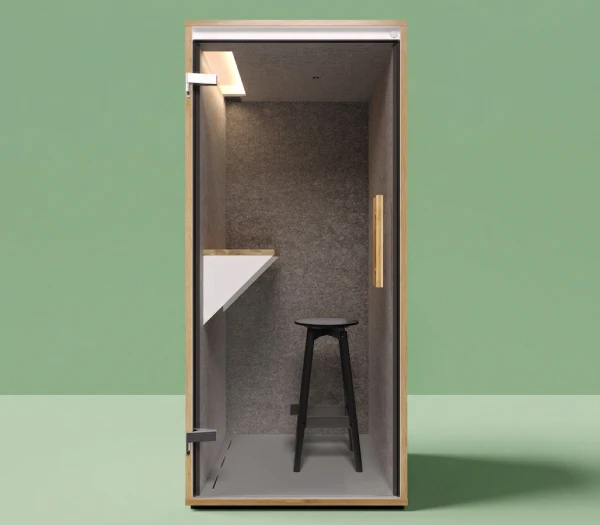
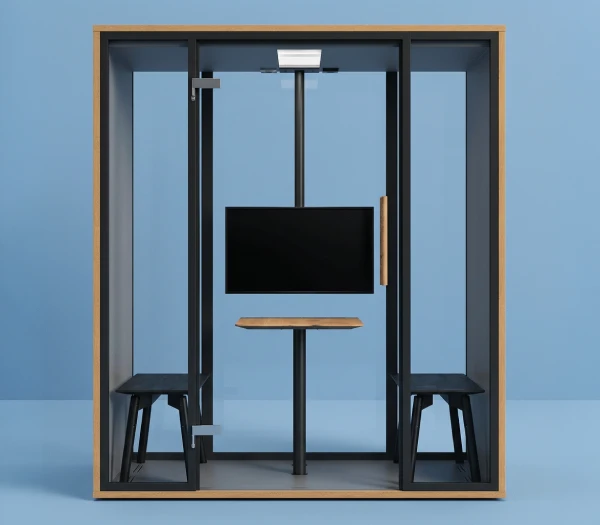
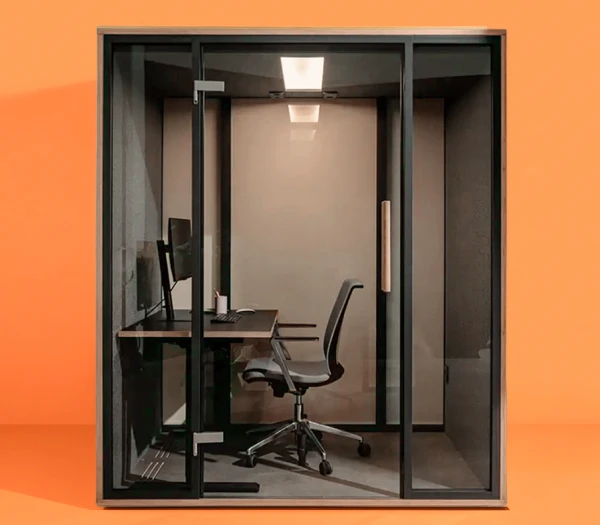
© 2026. All rights reserved. mute-labs GmbH.


Which language would you like us to use?